How to install Eclipse
- Open the Run dialog. Press Window + R on your keyboard.
- Type "\\192.168.0.2" into the Run dialog and click OK.
- Open "jdk-Atomcat-Solr" folder and copy 'eclipse-java-mars-2-win32.zip' software.
- Extract zip folder and start eclipse.
How to install Force.com IDE for Eclipse
Steps for installing salesforce plugin in eclipse.
- Copy required jar file into "plugin" folder of eclipse from SVN location '/arcsdev.com/preemploy/preemploy.arcsdev.com/wwwroot/manual_jar'.
- org.eclipse.wst.html.core_1.1.802.v201501312139.jar
- org.eclipse.wst.html.ui_1.0.1000.v201505130300.jar
- org.eclipse.wst.css.core_1.1.800.v201402172058.jar
- org.eclipse.wst.css.ui_1.0.901.v201501212057.jar
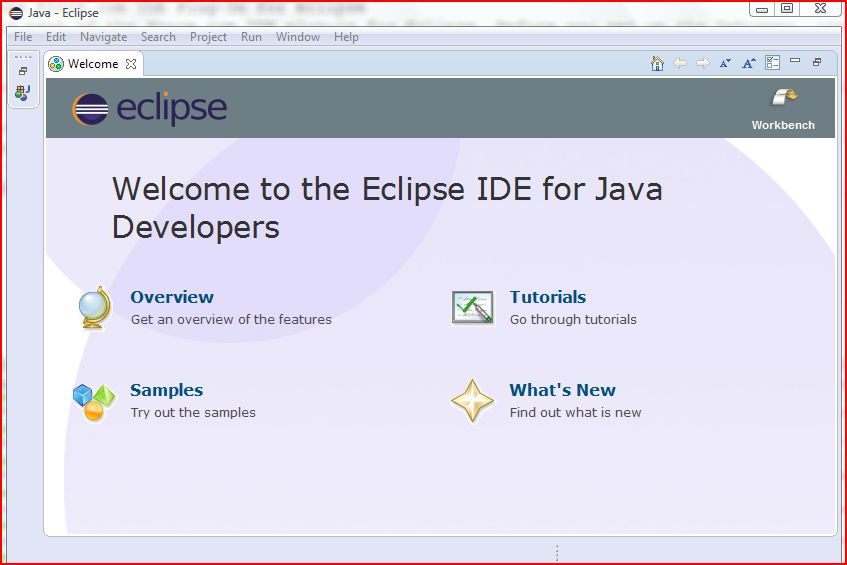
- To open eclipse, double click on eclipse.exe.
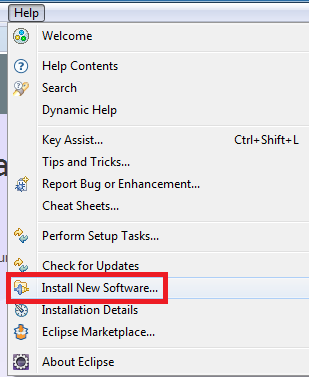
- Go to Help --> Install New Software...
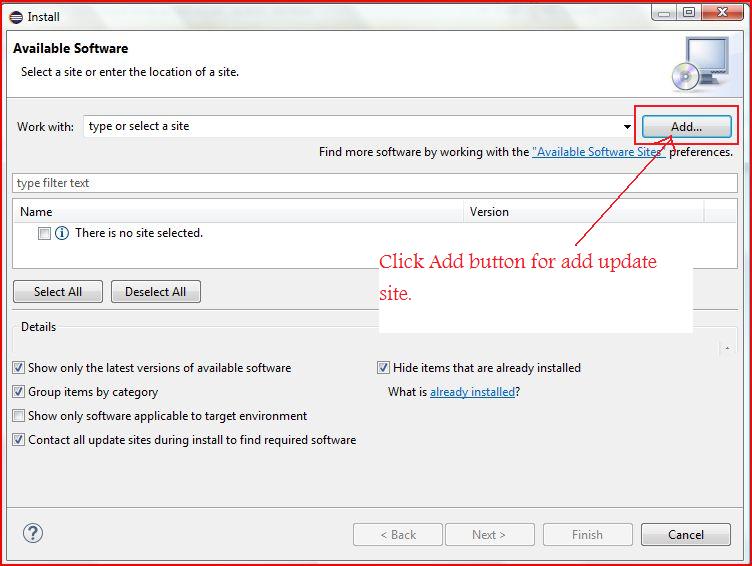
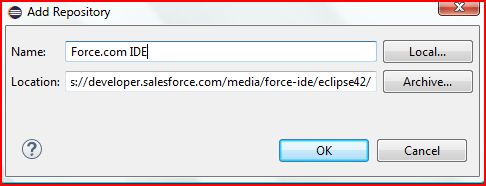
- Click "Add...".
- Enter name as Force.com IDE and URL as https://developer.salesforce.com/media/force-ide/eclipse42/
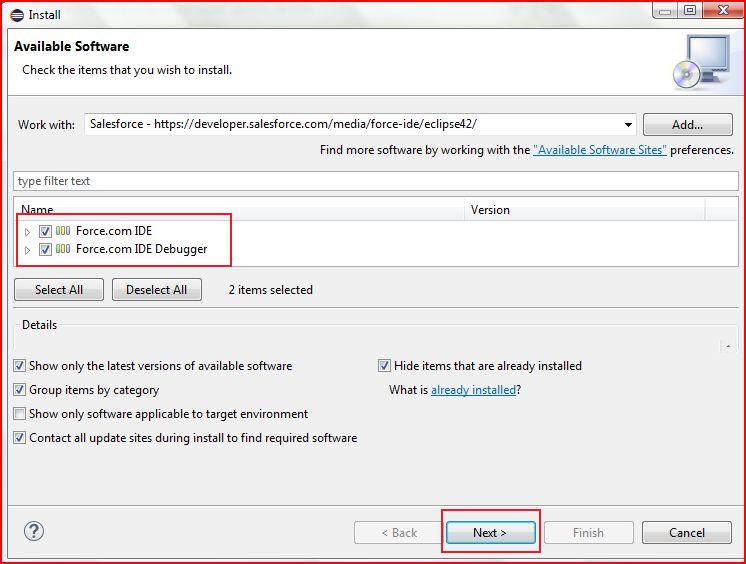
- Select Force.com IDE and Force.com IDE Debugger and click "Next".
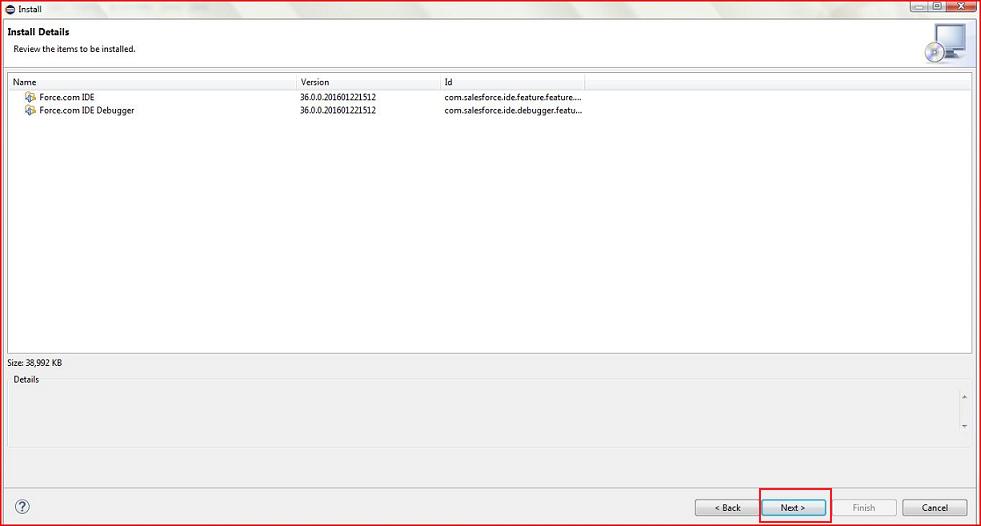
- Click "Next".
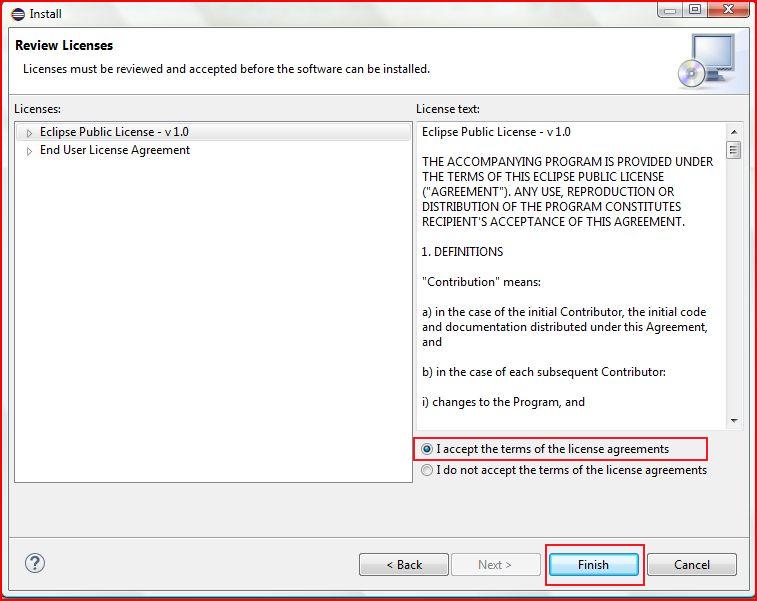
- Accept the agreement and click "Finish".
- Eclipse start installing salesforce plugin.
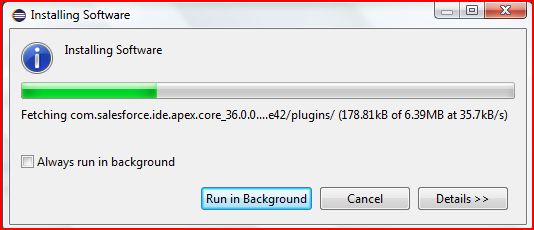
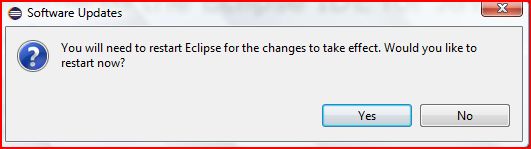
- After installation complete, Restart your eclipse.
How to install SVN for Eclipse
Steps for installing SVN plugin in eclipse.
- Go to Help --> Install New Software...
- Click "Add...".
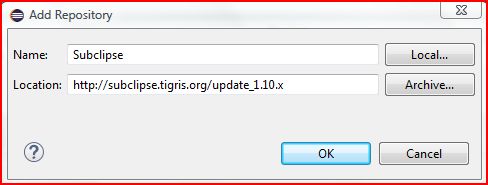
- Enter name as Subclipse and URL as http://subclipse.tigris.org/update_1.10.x
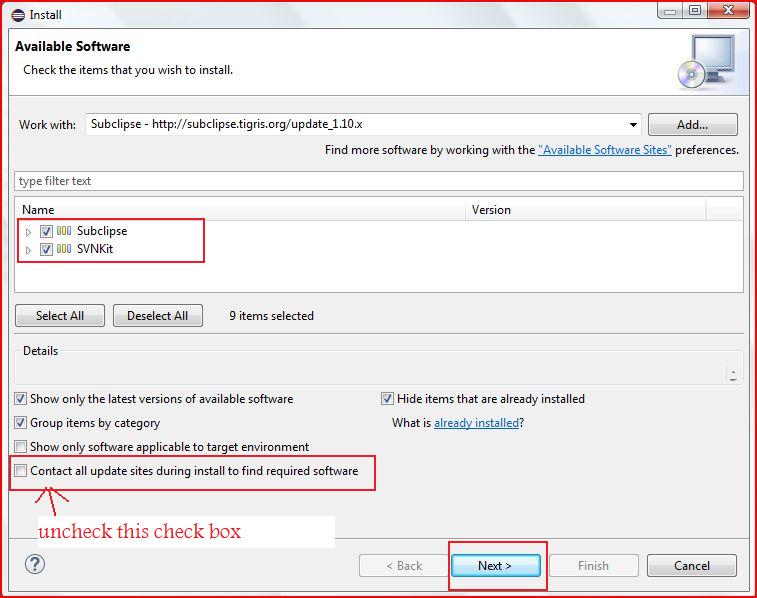
- Select Subclipse, SVNKit and uncheck 'Contact all update sites during install to find require software' checkbox.Then click "Next" button.
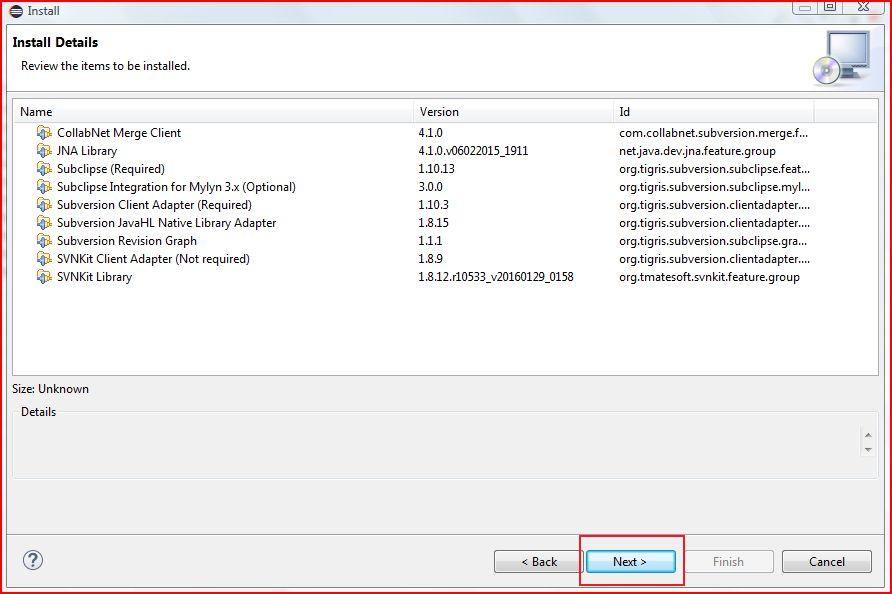
- Click "Next".
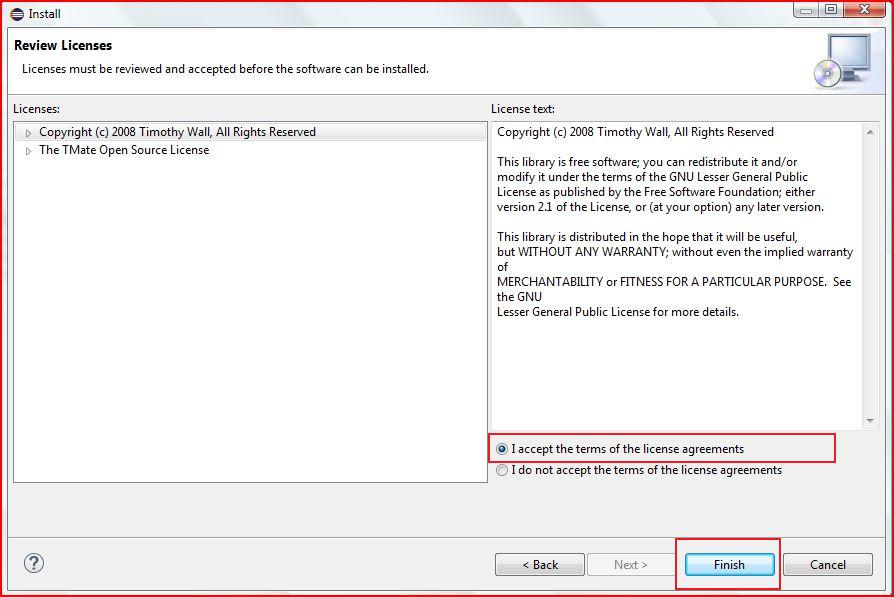
- Accept the agreement and click "Finish".
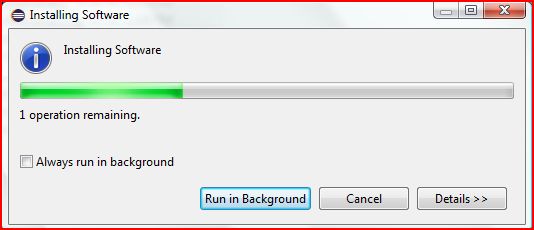
- Eclipse start installing SVN plugin.
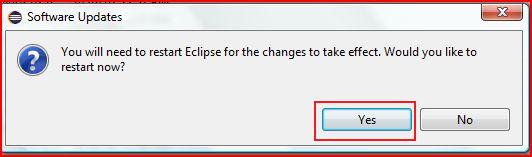
- After installation complete, Restart your eclipse.
Create Salesforce Project and Connect SVN
Steps for creating new salesforce project and connect project with SVN.
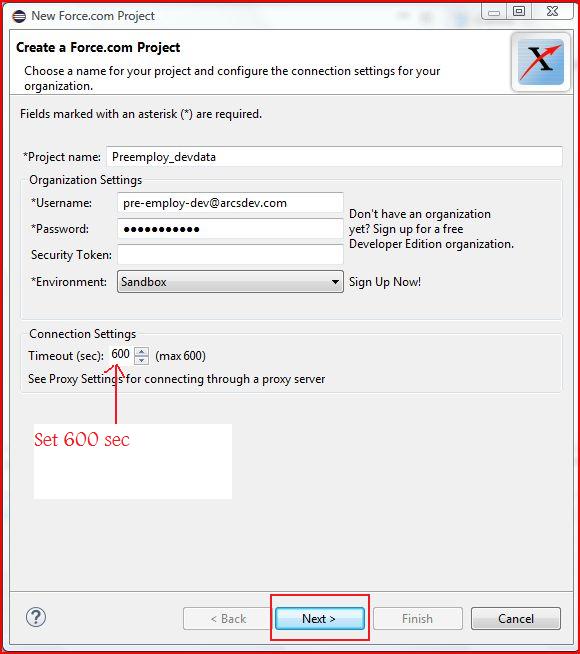
- Go to File --> New --> Force.com Project

- Enter unique project name, login credential of salesforce account, select environment from drop down list and set timeout value '600 sec'.
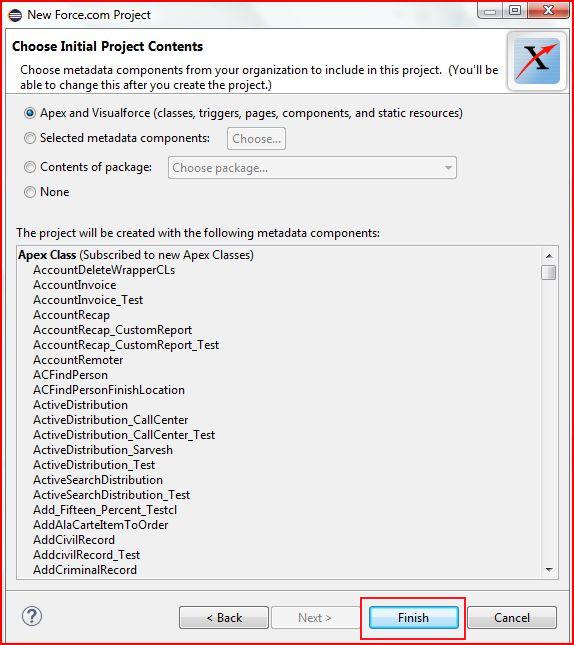
- Click "Finish".
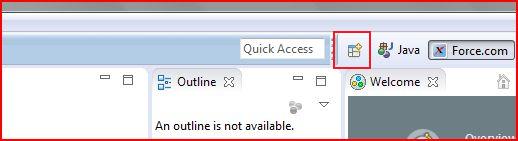
- Click on icon, mentioned below for adding SVN into current project.
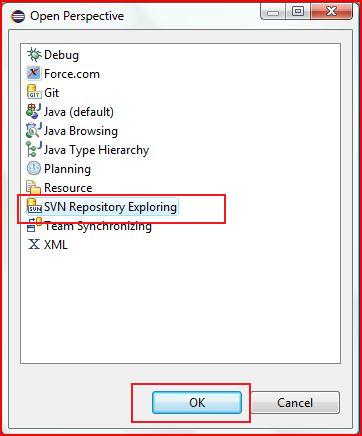
- Select "SVN Repository Exploring" and click "Ok".
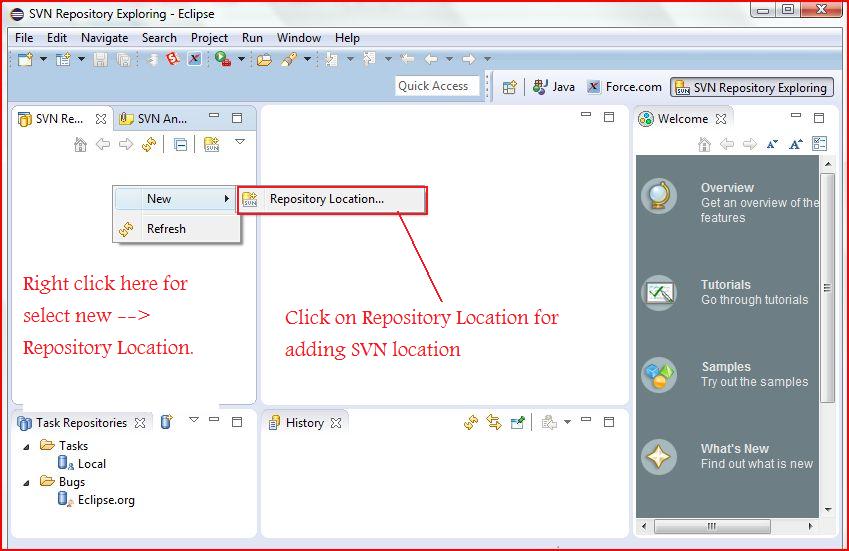
- Right click on area, mentioned below and go to New --> Repository Location.
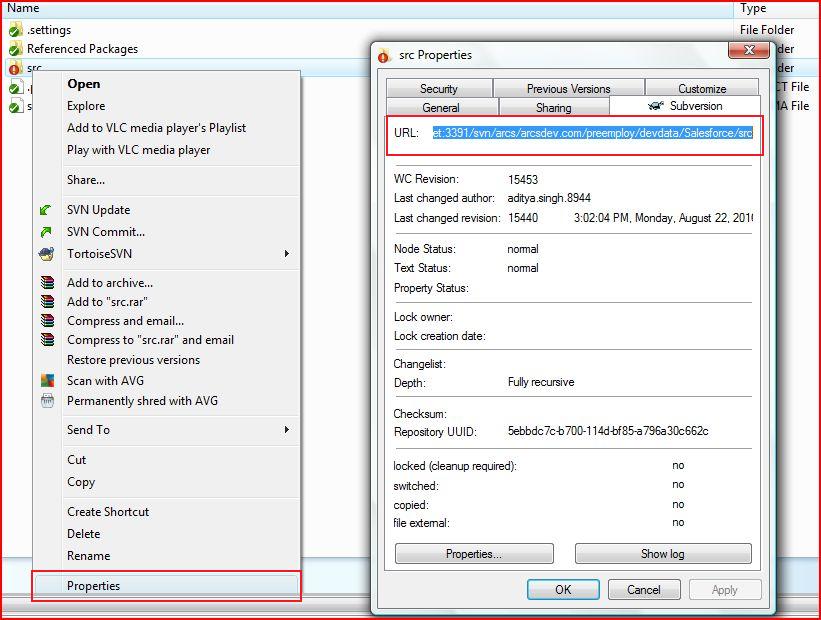
- Copy "Subversion URL" of SVN project by right click on folder then select the property and go to subversion tab.
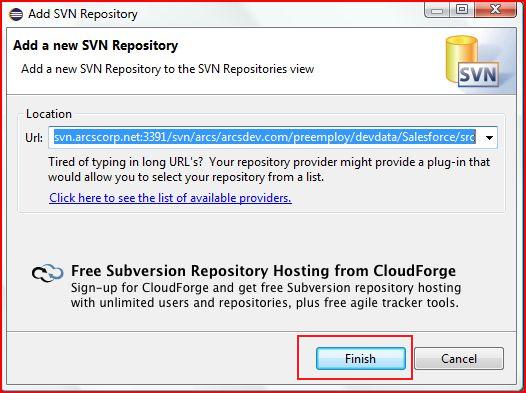
- Paste "Subversion URL" in 'SVN Repository' window of Eclipse and click "Finish".