Shopify to Salesforce connector demo details
About Shopify to Salesforce connector:
With the use of this connector, We can Sync the records from Shopify to Salesforce and from Salesforce to Shopify.
Create Shopify store and API key:
Step 1: Go to https://www.shopify.com/partners/blog?logout=true URL.
Step 2: If you are new customer then click on "Join now", otherwise click on "Partner login".

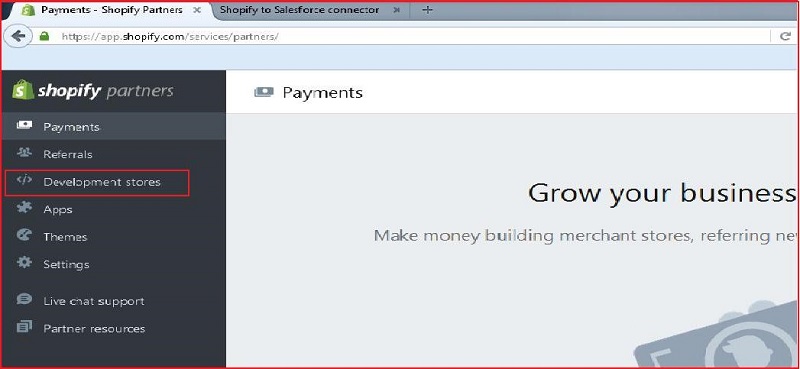
Step 3: After login, click on Development stores.
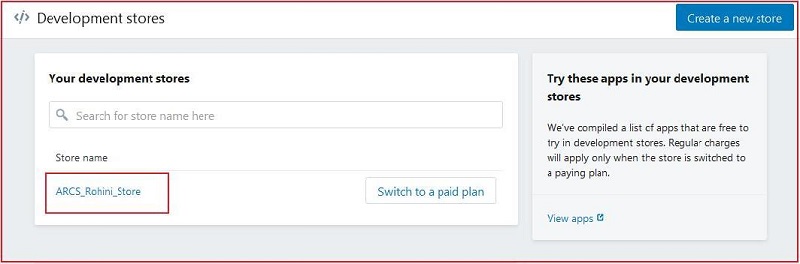
Step 4: If you already have a store then click on created store "ARCS_Rohini_Store". (Ignore step 5 and step 6).
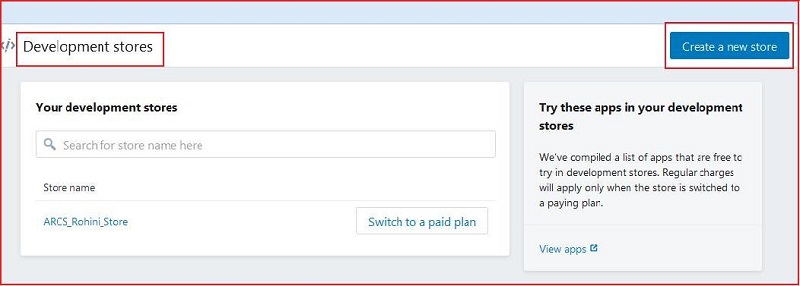
Step 5: If you have no any store then click on "Create a new store" button.
Step 6: Fill details and click on "Create Store" button.
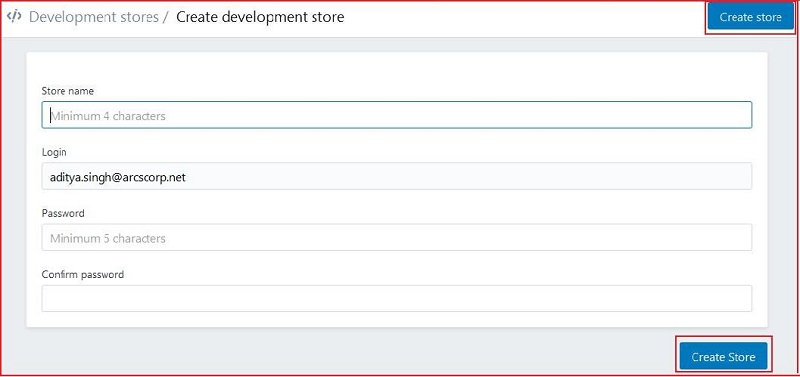
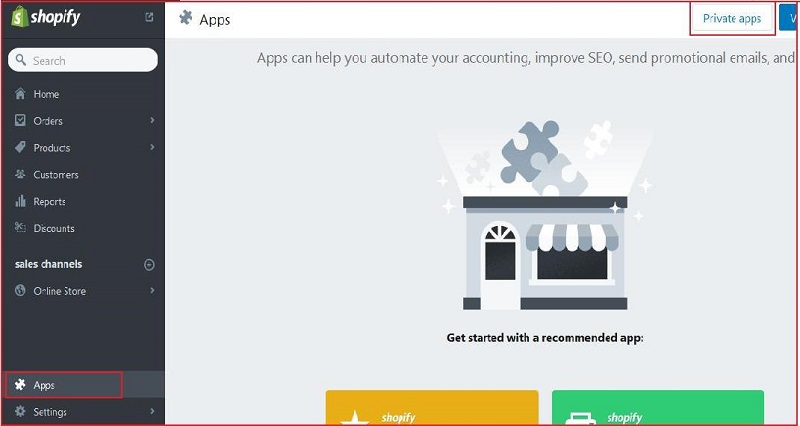
Step 7: Click on "Apps" --> click on "Private apps" button.
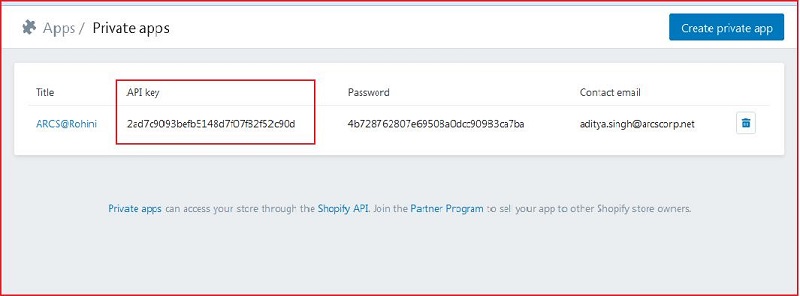
Step 8: If you already have "Private apps", so please find the API Key. (Ignore step 9, step 10 and step 11).
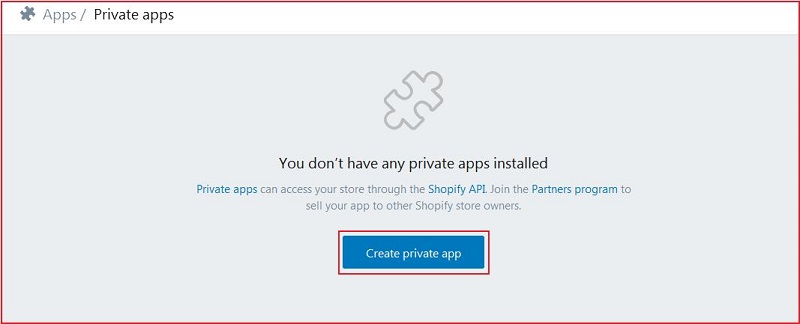
Step 9: If you have no any private app then click on "Create private app" button. Follow step 10 and step 11.
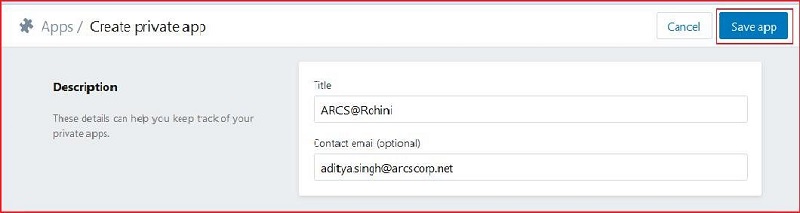
Step 10: Fill details and click on "Save app" button.
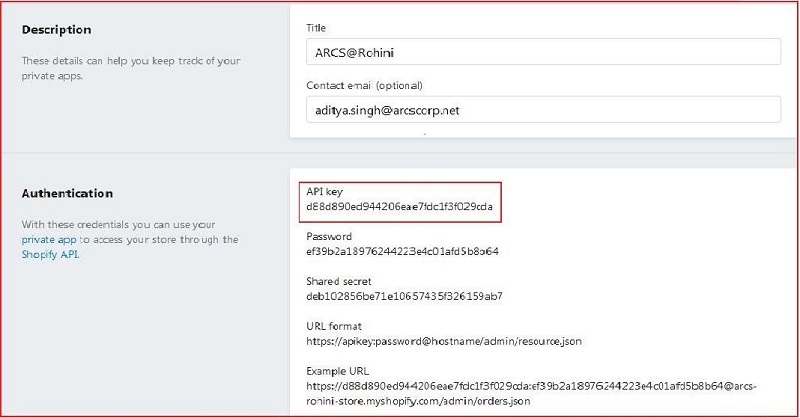
Step 11: Please find the API key.
Create Custom Settings in Salesforce:
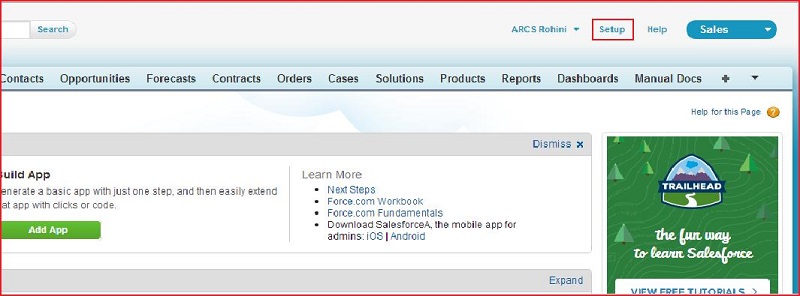
Step 1: Login in Salesforce and click on "Setup".
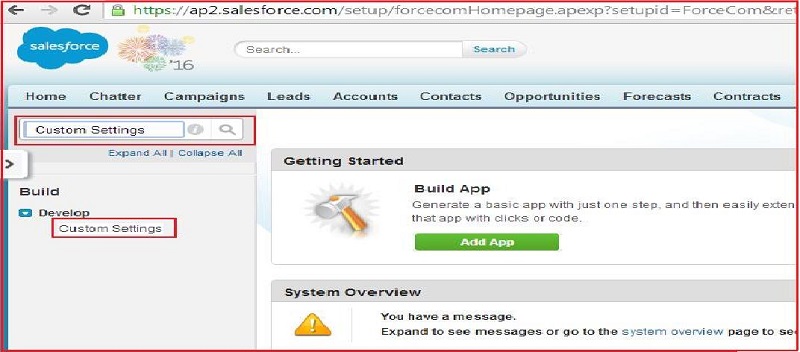
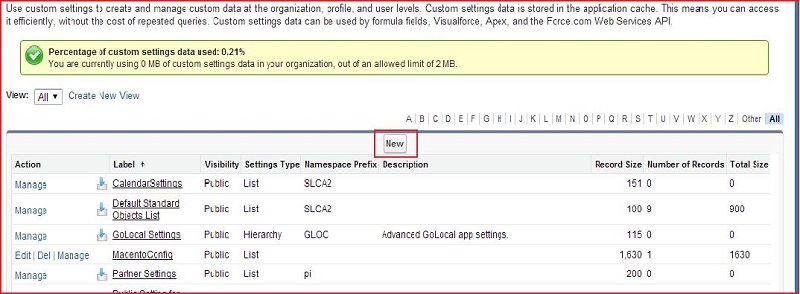
Step 2: Enter "Custom Settings" in quick find search text box and click on "Custom Settings" link.
Step 3: Click on "New" button.
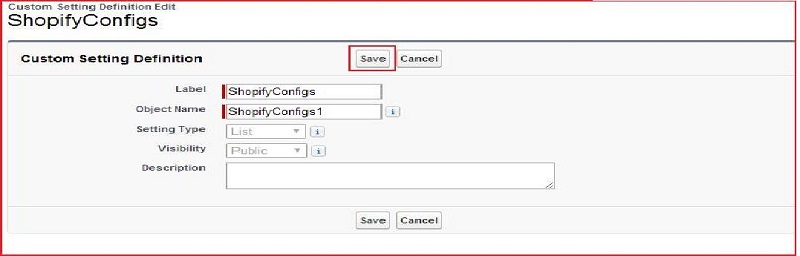
Step 4: Fill details and click on "Save" button (Setting Type should be "List" and Visibility should be "Public").
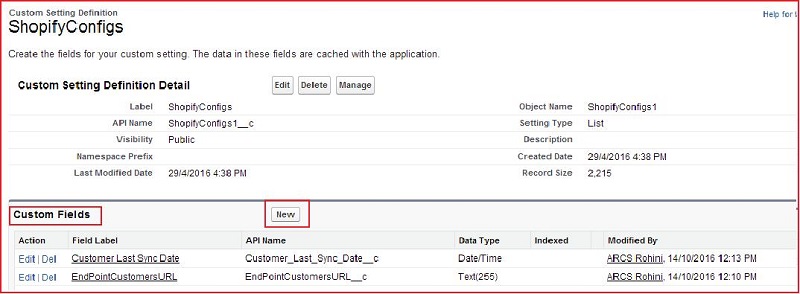
Step 5: Click on "New" button and Create required custom fields in custom setting.
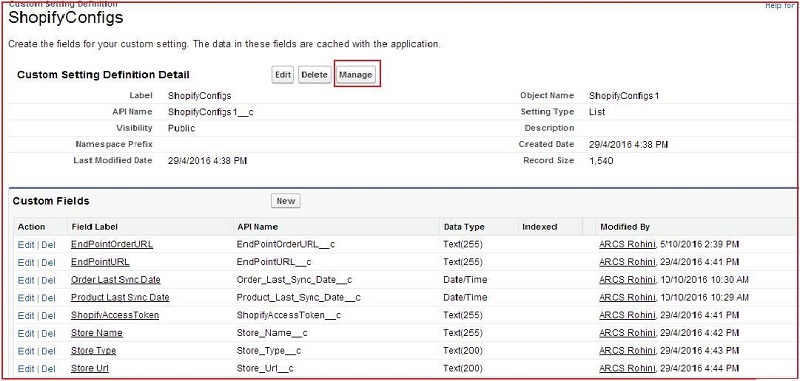
Step 6: After creation of custom fields, click on "Manage" button.
Step 7: Click on "New" button.
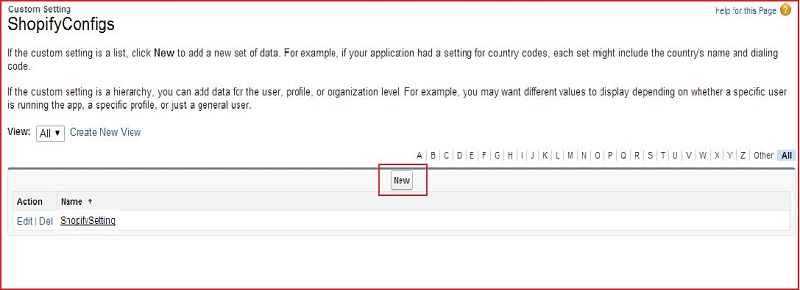
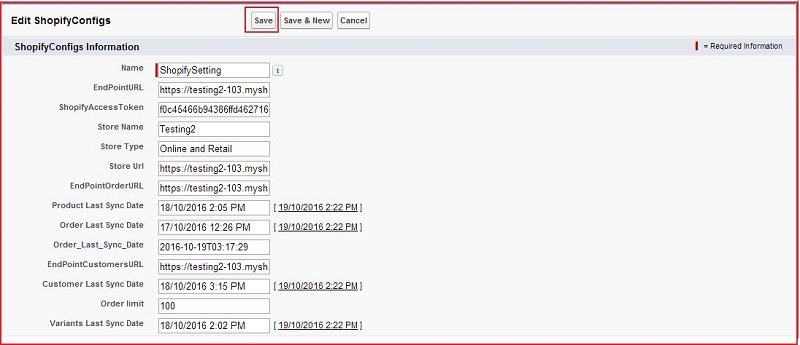
Step 8: Fill details in required fields and click on "Save" button.
- Name: Insert name.
- EndPointURL: Insert "https://arcs-rohini-store.myshopify.com/admin/products.json" URL.
- ShopifyAccessToken: Insert Shopify API key.
- Store Name: Insert your store name.
- Store Type: Insert your store type(like: Online and Retail).
- Store Url: Insert "https://arcs-rohini-store.myshopify.com/admin" URL.
- EndPointOrderURL: Insert "https://arcs-rohini-store.myshopify.com/admin/orders.json" URL.
- Order limit: Insert "100".
Note: If you already have a custom setting then you can update the value of above fields.