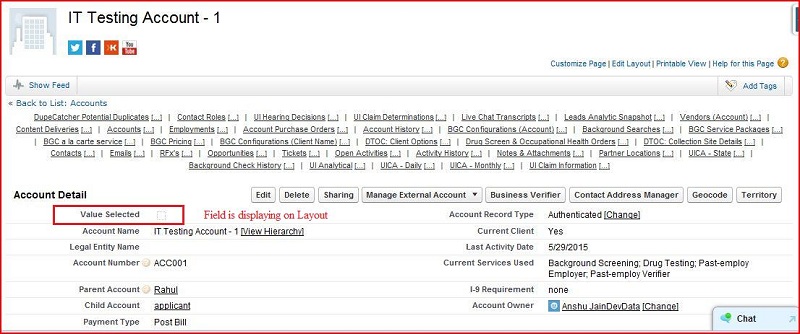
How to add / remove a field on page layout
Go to setup ----> App Setup ----> Customize ----> Accounts
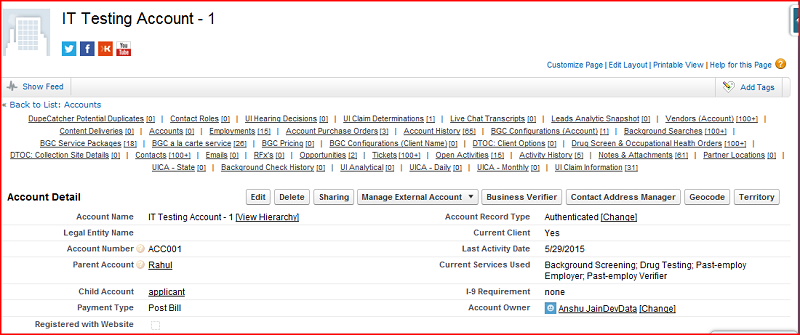
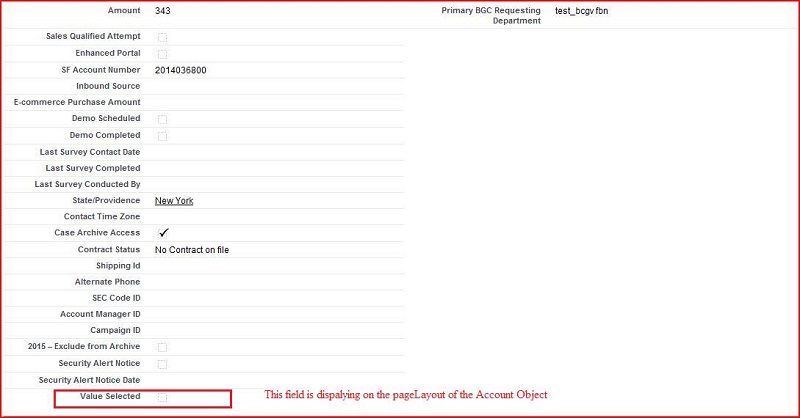
If we want to remove the field from the Page Layout then click on the edit layout.
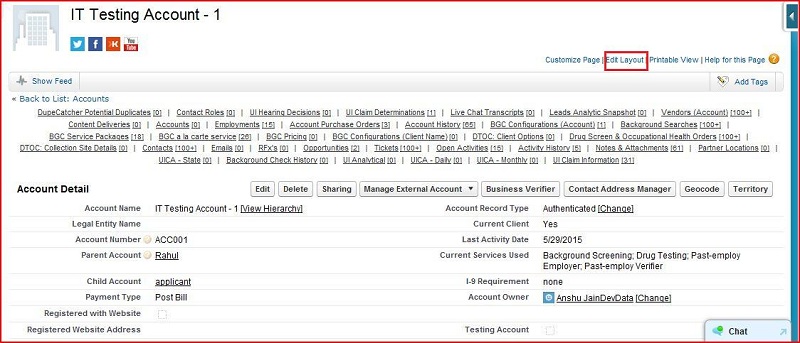
Its display the Edit Layout interface.
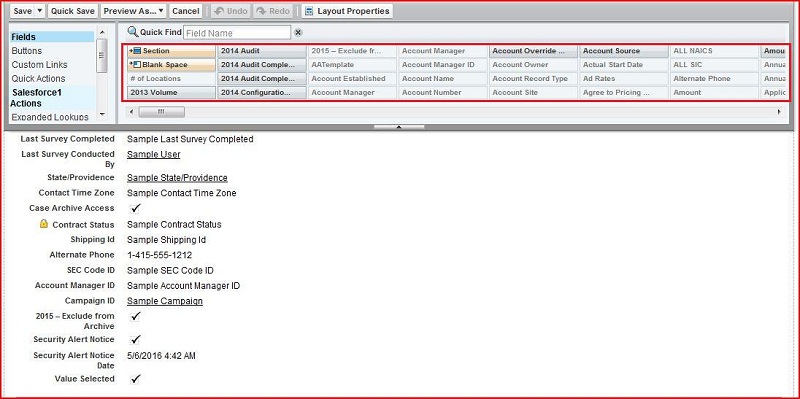
Removing the field from the
page layout
drag the field and drop in highlighed area.
Then click on the save button. This field is removed from the page layout of the Account Object.
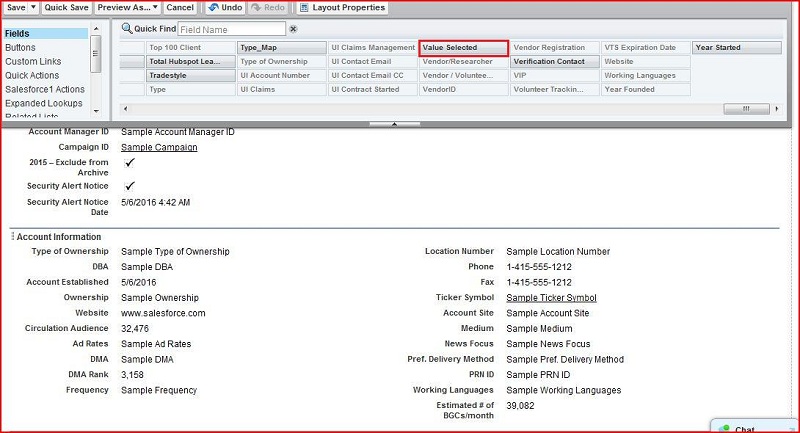
How to add the field on the
page layout
of the
Account
Object
Click on the edit layout
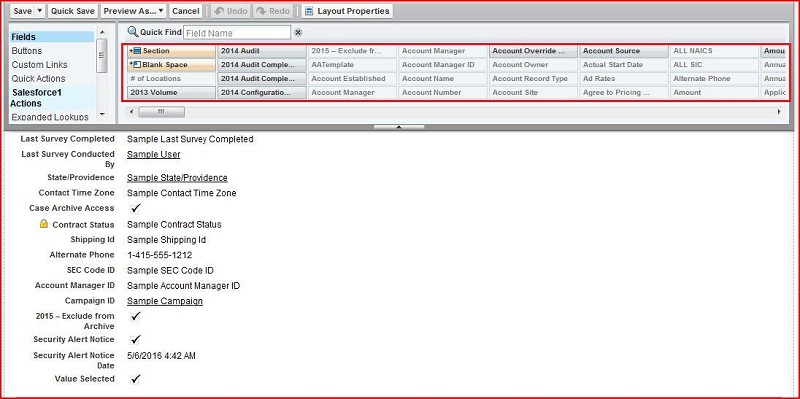
Input the field name in the quick find box
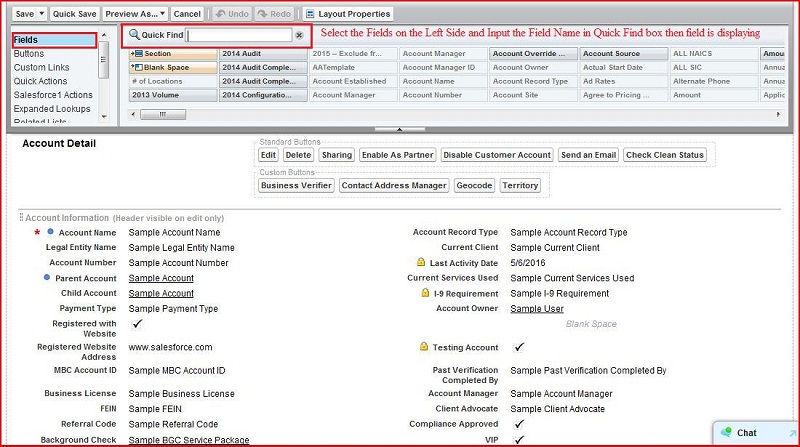
Then field is displaying:
Then drag this field and drop the bottom where all fields are dispalying:
Then click on the save button (
left corner top most)
then field is display on
Account
Object Layout.
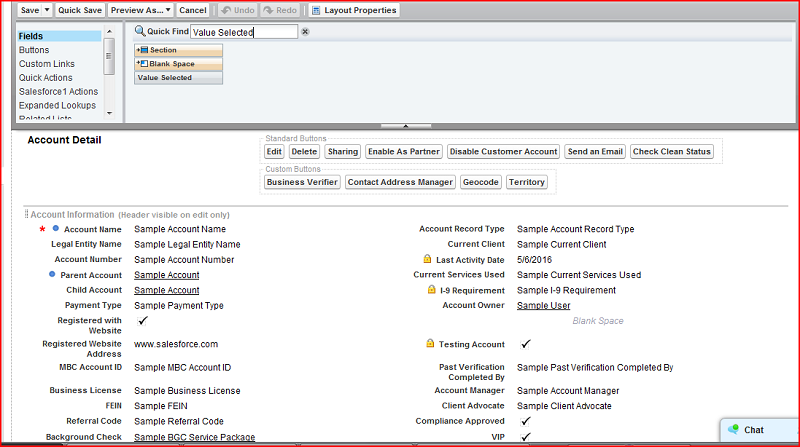
Then Field is displaying.