API Portal
This portal is created to make processing more faster. In this portal the results/searches related to the user account will be submitted directly from here, no need to submit the records from internal salesforce then.
User Creation for API researcher portal:
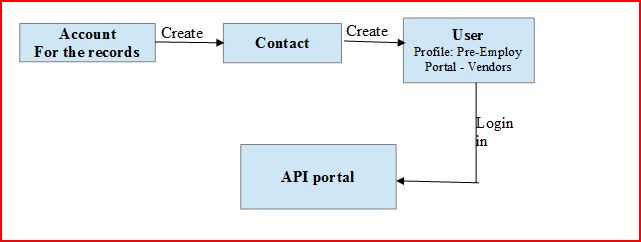
- Go to Account
- Create a Contact for that account
- On Contact detail page click on Manage External User button ====> Click Enable Customer User link.

- Create an User with profile: Pre-Employ Portal - Vendors (lvl 1) Partial
- Set Password
Note that API portal user is created.
For eg. Username: amit.kumar007@arcscorp.net
Password: vision@2020
Process
Home:
When user logins in the portal then the page redirects to home page, that defines all the task related to that user Account display on the page.
Pending Searches:
On clicking Pending Searches tab page will navigate to externalpage VFPage, this page displays the list of searches with following condition on search object:
Researcher_Accepted__c != true
All_Clear__c = false
Status_Standard__c = Pending
Researcher__c = <User AccountID>
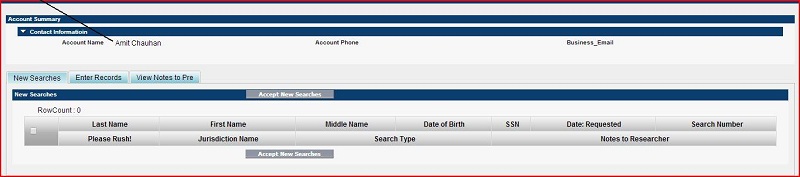
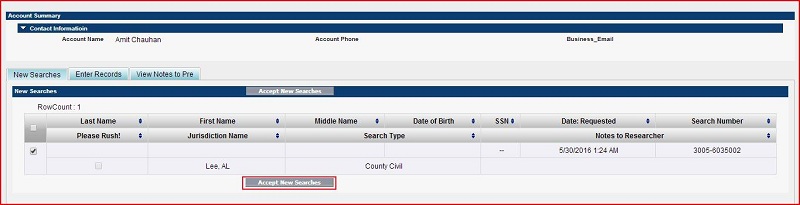
The New Searches tab under externalpage VF Page displays 300 records maximum on the page. Then select the Record and clicks Accept New Searches button. Following fields will be updated:
Researcher Accepted: True
Researcher Accepted Date: <Updated date/time>
Then select the Record clicks Clear Searches button under the Enter Records tab. Following fields will be updated:
This page has ability to submit as clear the searches by clicking Clear Searches button.
Following fields will update after clicking button:
Researcher Complete: True
Researcher Complete Datetime: Date time of update
Status: Clear
Closing User: Username
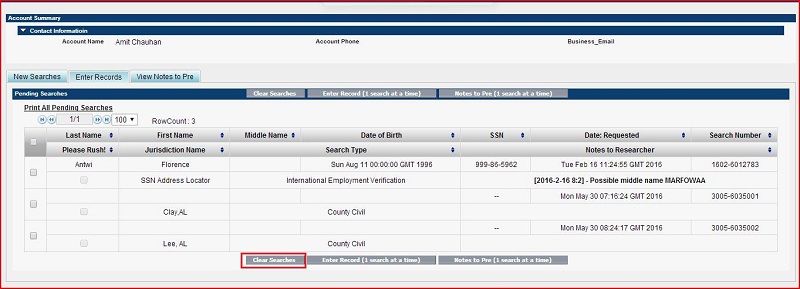
Then click on Enter Records (1 search at a time) button under Enter Records tab.
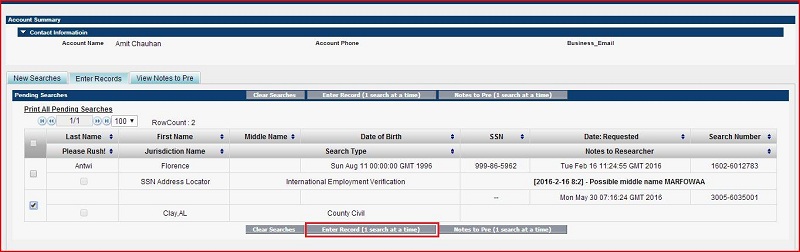
Enter Record
When the records are accepted from New Search page then those searches display on the Enter Record page. On this page maximum 500 records only can display.
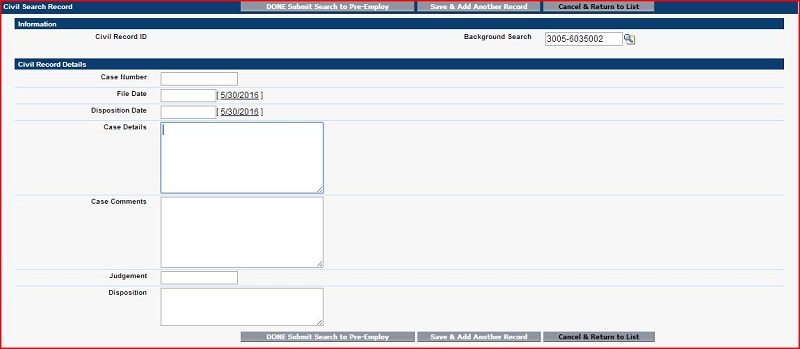
Whenever we click on Enter Record(1 search at a time) button then Its redirect to AddEmploymentRecord or AddCivilRecord VF Page as per Search Type
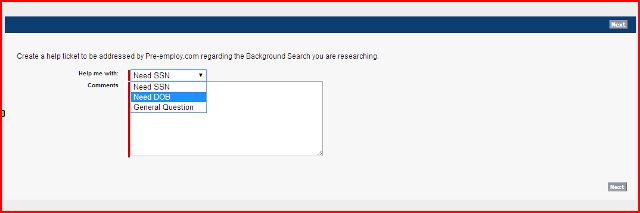
Note to Pre(1 search at a time) button: Add case/ticket related to that search.
View Notes to Pre tab
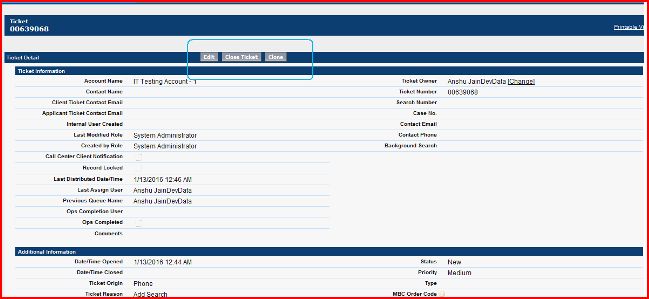
This Section of external page displays tickets on the View Notes to Pre page. Maximum 300 tickets can only display on the page at a time.
Conditions:
AccountId = <User AccountID>
Status != On Hold
Status != Closed
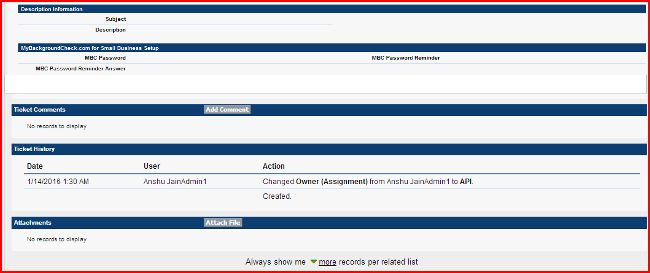
Ticket Detail Page:
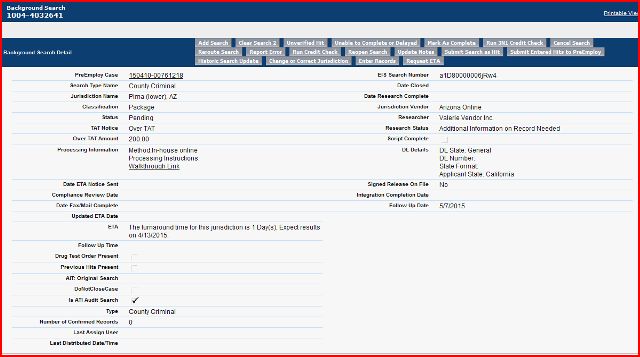
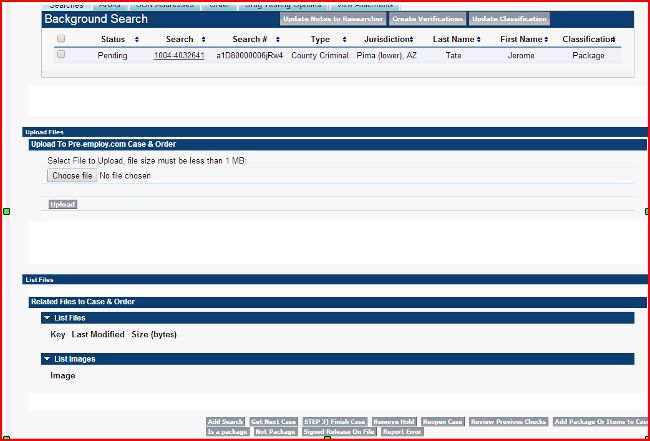
Search Detail page:
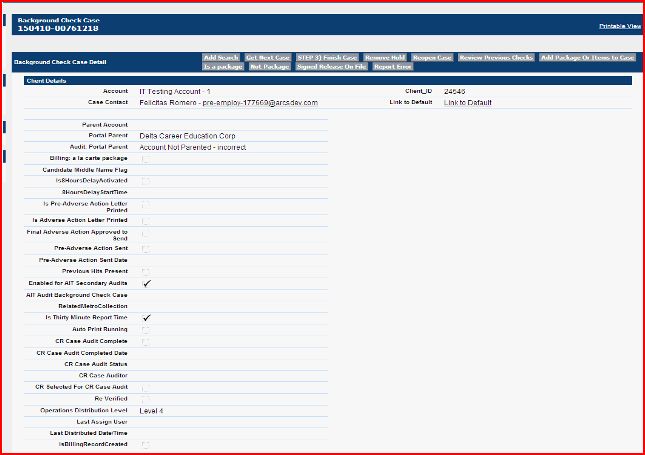
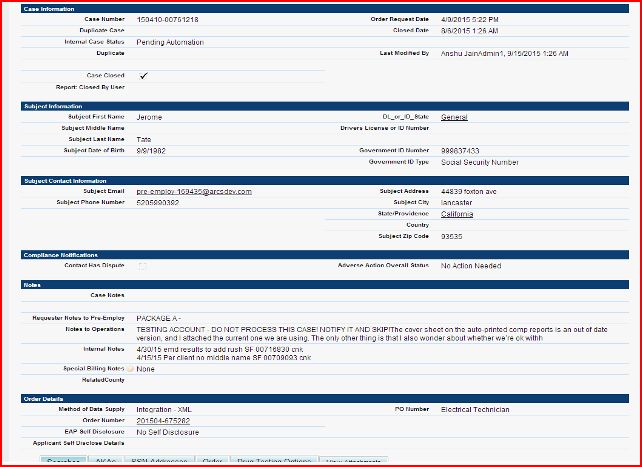
Case Detail page:
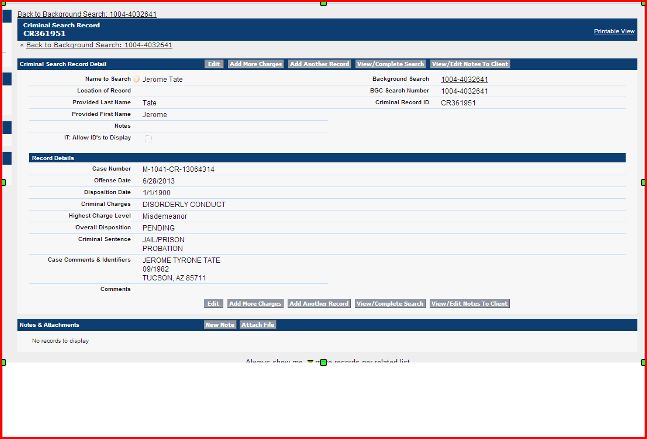
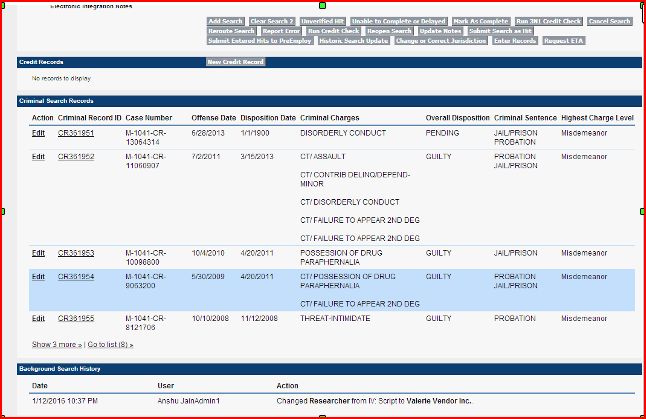
Criminal Search Record page: