15. View Pending Request
This page has 3 views:
- Candidate Responses - Attention Required
- Pending Candidate Response
- Canceled Invitations
Candidate Responses - Attention Required
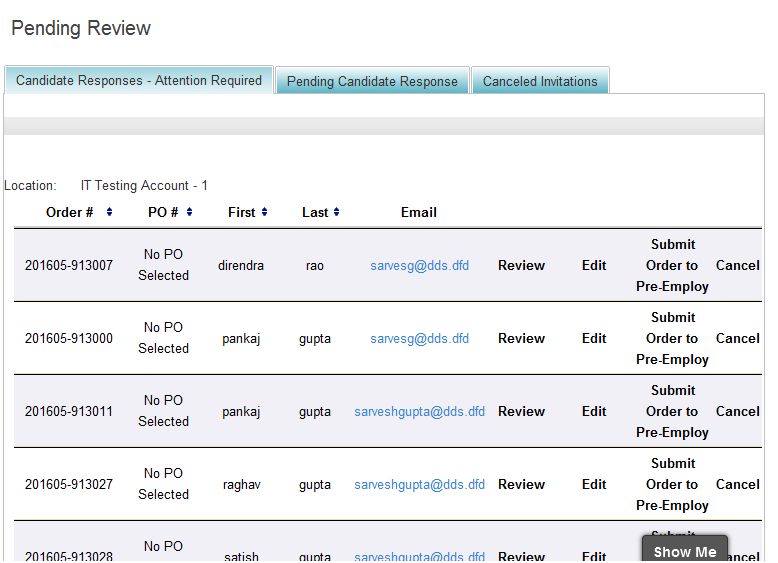
On this view, the details of those orders display which are created through EAP process of this user acccount or the order having Status Pending Approval.
Here user has ability to
Review: navigate user to order detail page
Edit: Navigate user to Edit order page
Submit Order To Pre-employ: Change the status of the order to Approved to formation and remove from the list.
Pending Candidate Response
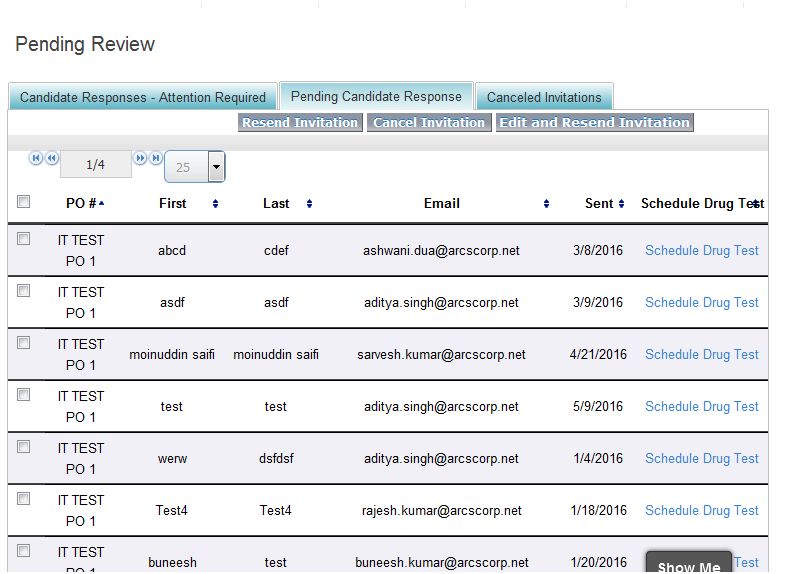
On this view list is dispaying of the names to which quick invite/Advance is sent and display until orders are not created for those invites. And user can also create a drug test record for that invite through link Schedule Drug Test. The Drug test order flow is same as intake drug test order flow. It has ability to do following things:
Resend Invitation: User can select any name or invite can resend the invitation again to the same email address.
Cancel Invitation: User has also ability to cancel the invitation through this button. If invite is canceled then applicant cannot create an order for that invite. The canceled invitation then removed from this list and placed under Canceled Invitation list view.
Edit and Resend Invitation: This button navigates user to Advance quick invite page where user can edit any info or package and has ability to resend the invitation with new details.
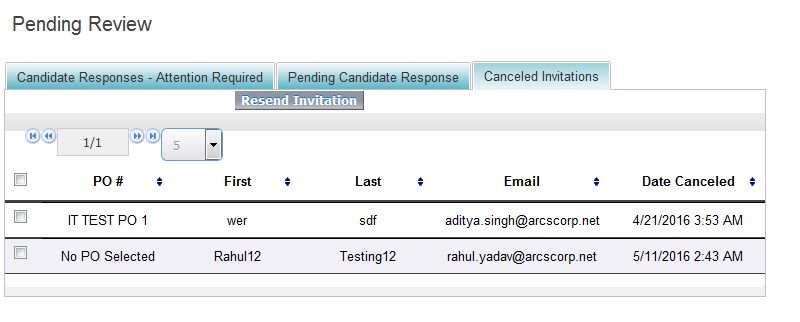
Canceled Invitation When user cancel any invitation then that invite displays on this view. Here user has ability to resend again that invitation on the same email id. And then canceled invitation then will be listed again in Pending Candidate Response list view